Inji Application bulind issue for local

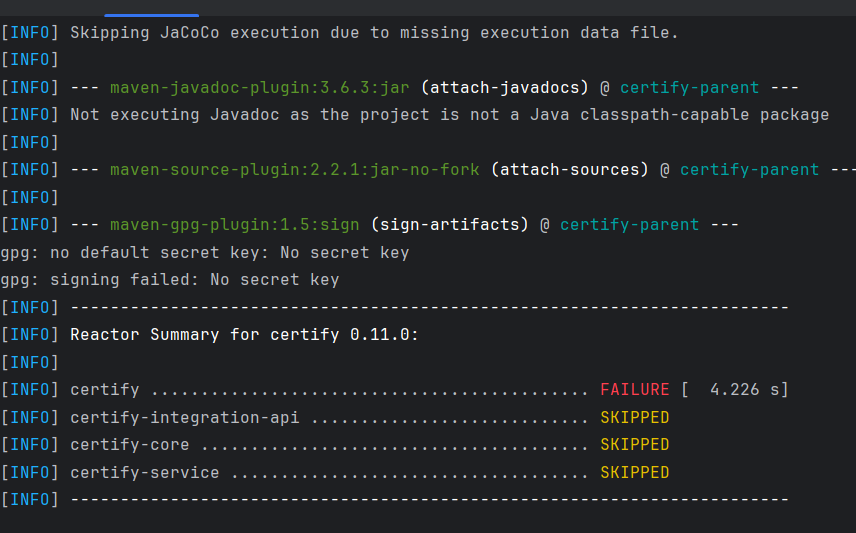
Facing an exception while building the application from the local setup.
Error details:

gpg: no default secret key: No secret key
gpg: signing failed: No secret key
It appears that the build process requires a GPG key for signing artifacts, but no default secret key is configured in the local environment.

@govind By looking at logs, you are building certify service with its dependency.
This is the command to build any maven project by skipping gpg signing, tests and java doc

mvn clean install -Dgpg.skip=true -Dmaven.javadoc.skip=true -DskipTests=true

Please try this and let us know if you still face any issue.

Thanks & Regards,
Swati Goel
Tech Lead - Inji Mobile

Thnaks @swatigoel for respond
I have tried with skip but saying goal not setup

Do i need to do any code changes to fix this ?

Hi @govind,

Thank you for reaching out to us. Let us check on the issue and revert back to you as soon as possible

Regards,
Nitin Hegde
on behalf of Team MOSIP

1 Like

@govind I see the error says .skip=true is unknown lifecycle phase.
Can you please check that command is copied correctly? .skip should be prefixed by gpg or any javadoc not independently
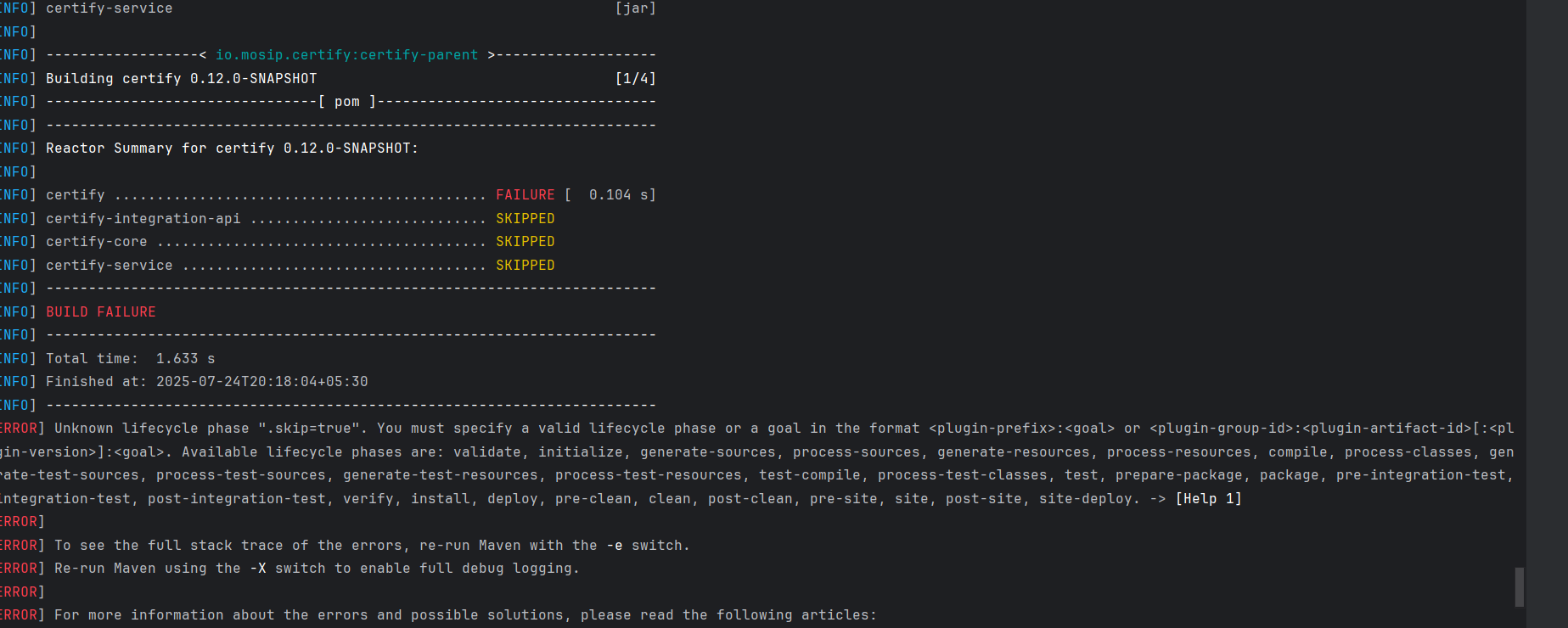
I am using this one

@govind
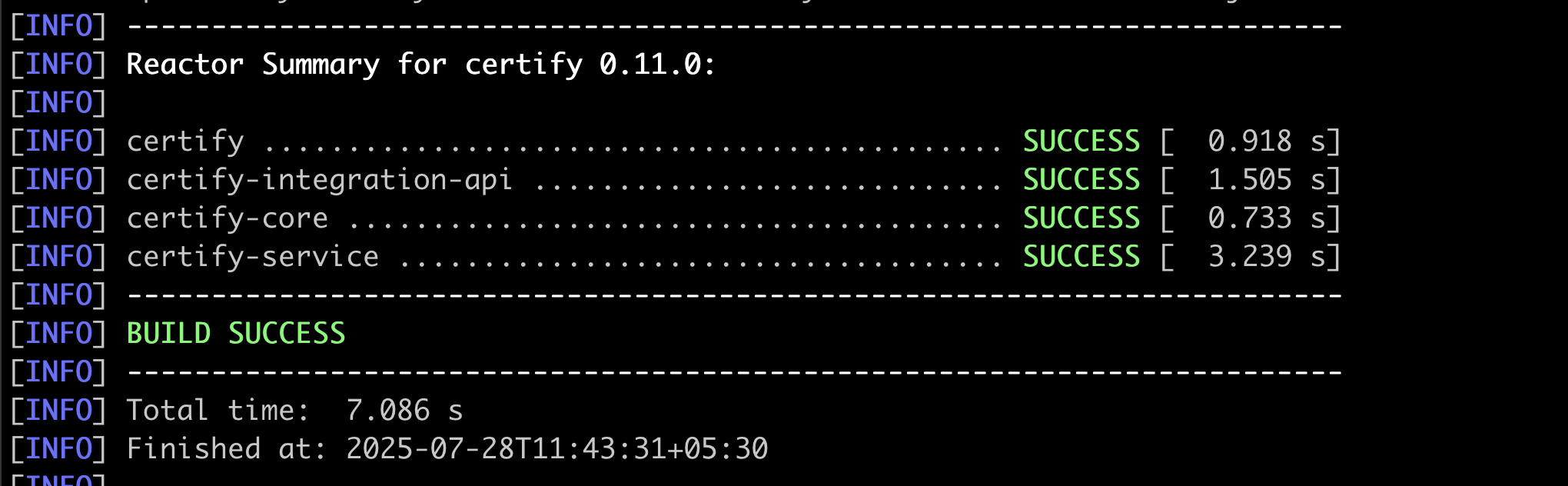
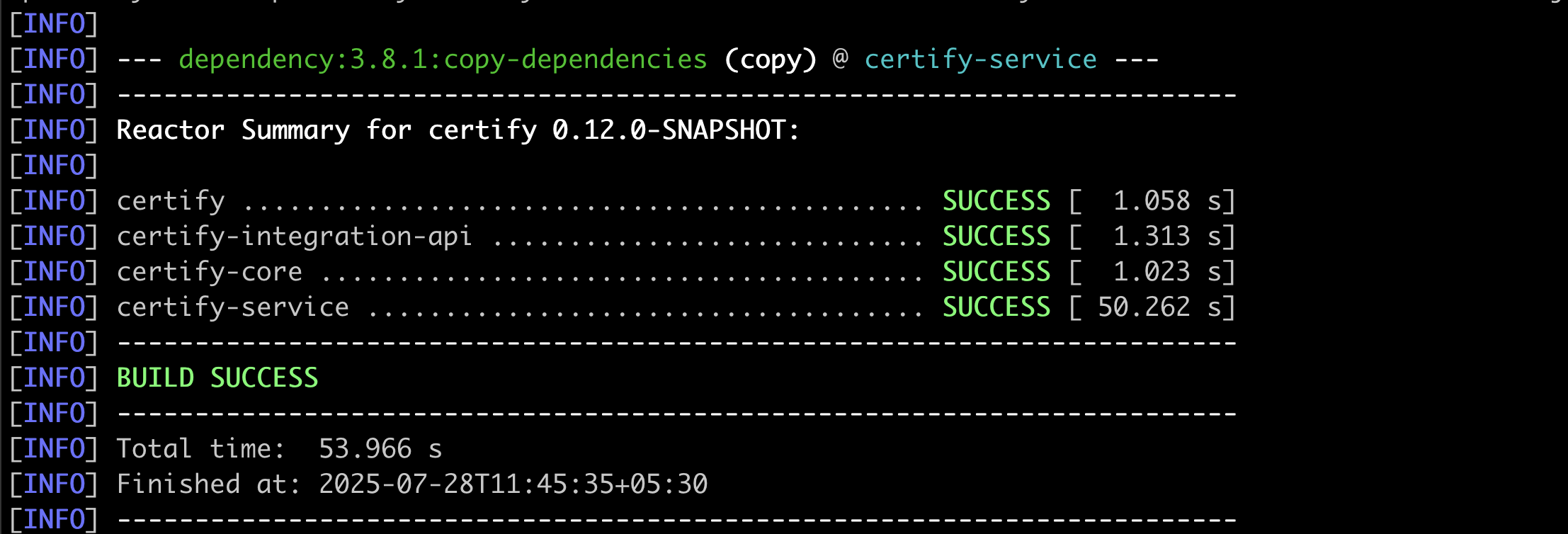
I just tried with master branch and able to build successfully.

I later checked out develop branch and able to build that also

Can you please tell us which branch you are using? What is your java version?
which terminal you are using to build?